One shot a day,
capture the world with fresh eyes.
Receive a new photo mission every day, document your day with 9 photos, and turn them into your own diary. Even the daily commute or familiar neighborhood becomes a new subject with a single mission.
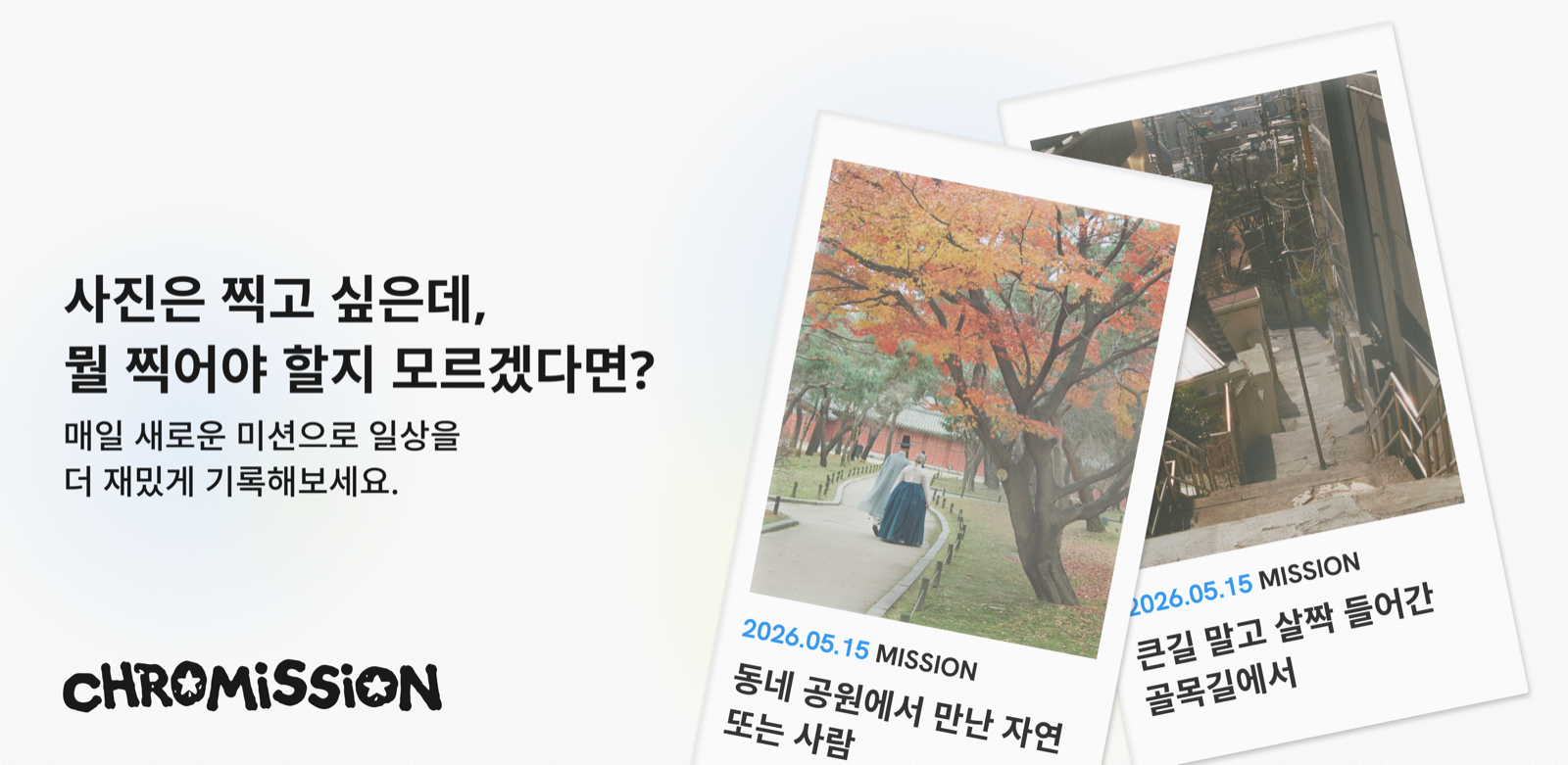
App Preview
From sign-in to daily new missions, free editing, and a single grid — experience the Chromission flow before you download.
-
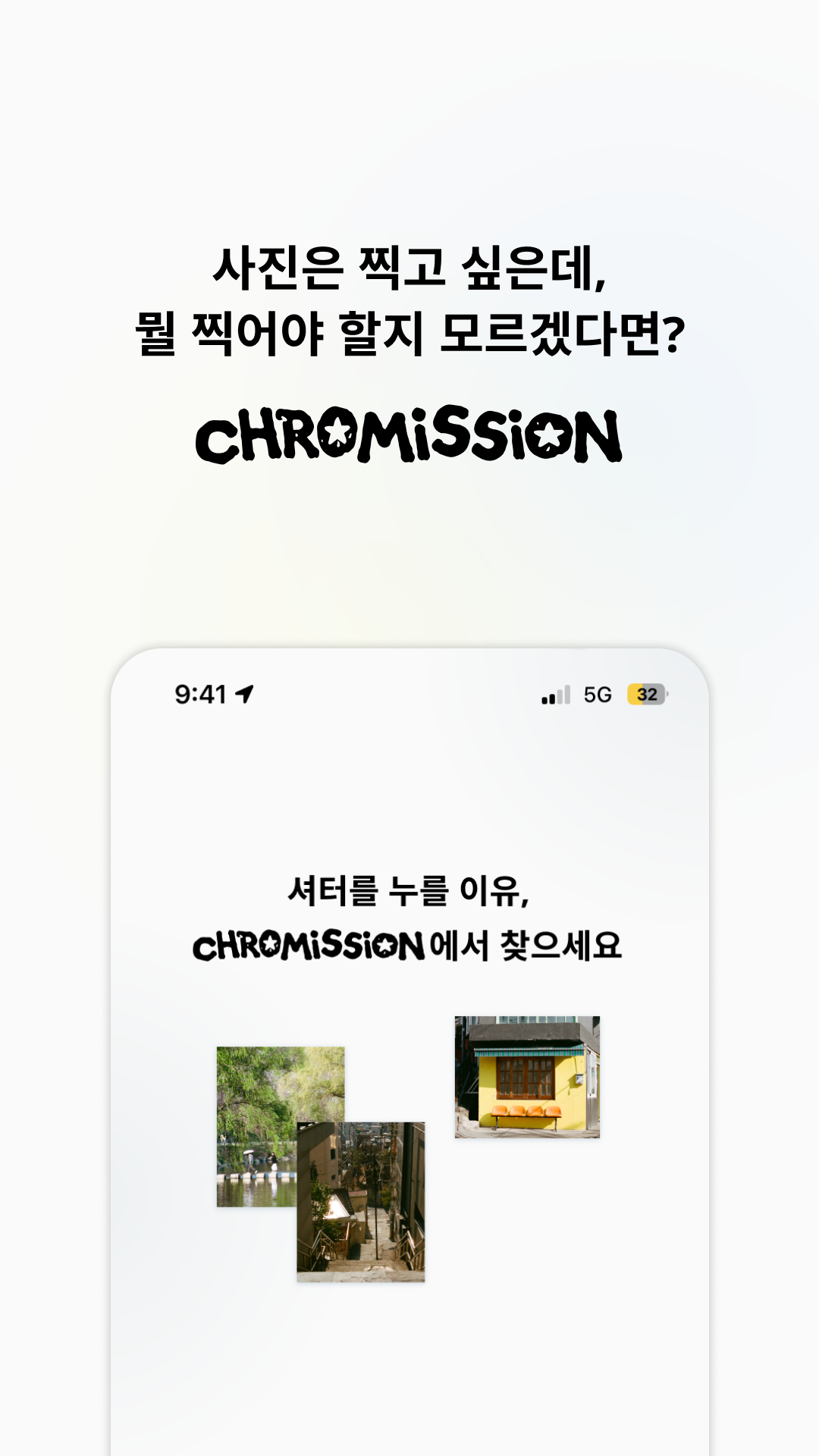 Your reason to shoot
 -
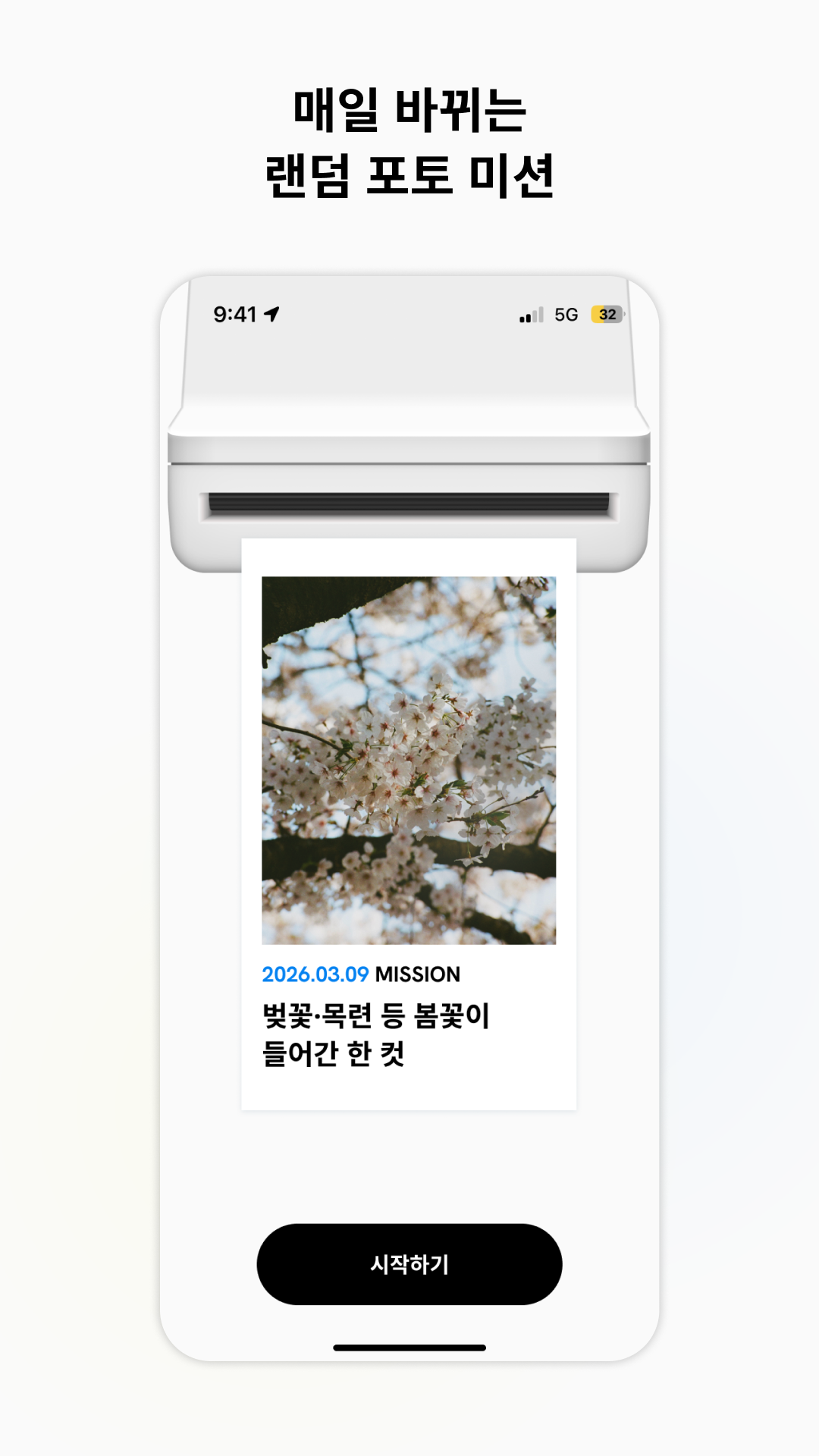 A new mission every day
 -
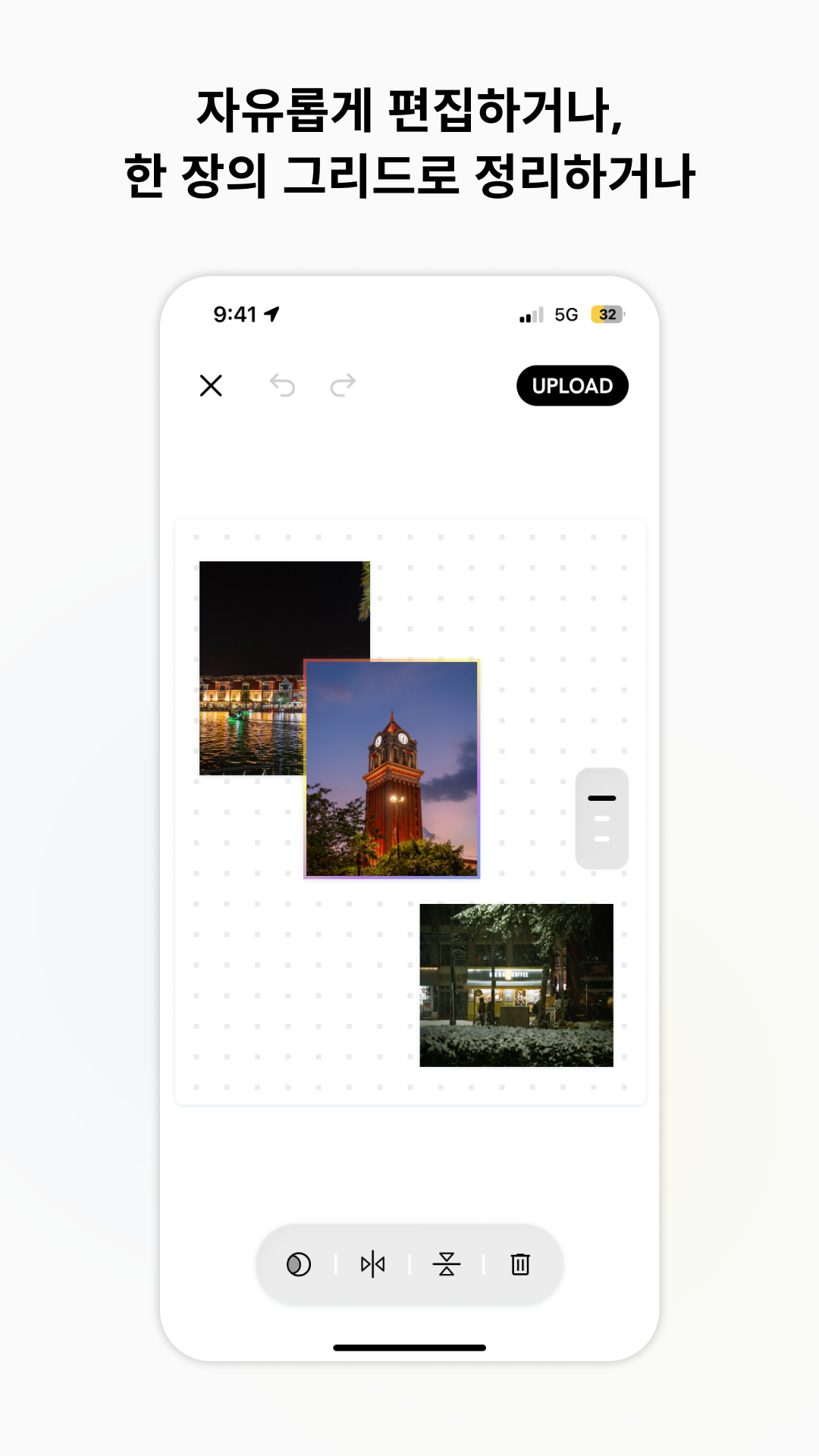 Free to edit
 -
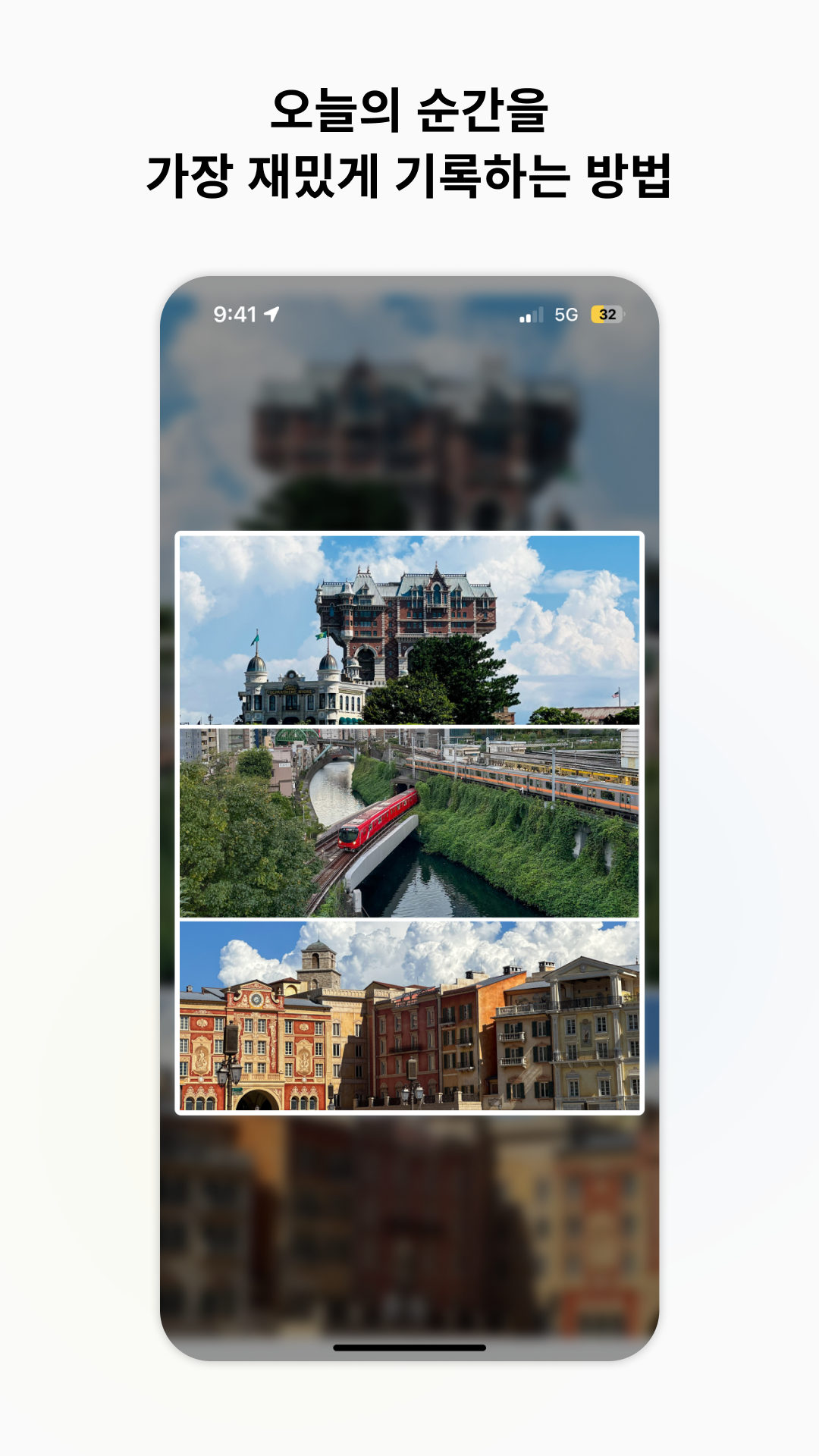 Today in one shot
Why Chromission?
Do you have a passion for photography but often freeze up wondering what to shoot? Chromission was built for exactly those moments of hesitation.
-
No more shutter paralysis
A fresh theme every day dissolves the "what do I shoot?" moment so you can just press the shutter.
-
Purpose-driven shooting
Each day's "mission" trains you to see ordinary subjects in a new light, turning the act of shooting itself into a game.
-
Visualize your memories
Bring the day's photo fragments together into a single board — a rich archive that lets you relive the mood and moments of any given day.
Core Features
-
Daily Mission
Every day you receive a random theme from five categories: Color, Object, Place, Brand, and Typography. The mission card "pops out" like a Polaroid printer — a visual metaphor that makes each reveal a little treat. Not feeling the mission? Watch an ad and re-roll once.
-
9-Slot Grid Collection
Shoot with the in-app camera or pick from your album to fill the grid. You don't have to fill all 9 slots — wrap up whenever you're ready.
-
Your Day, Your Schedule
Set your own daily cut-off time to match your lifestyle. Night owls and early birds can both record at their own rhythm.
-
Free Editing
Rearrange photos in the grid and apply light adjustments before saving. Even after saving, one more edit opportunity is provided.
Getting Started
Five quick steps to set up your personal photo mission environment.
-
Sign in with social account
Get started in one tap with your Google or Apple account.
-
Set your nickname
Enter the nickname that will appear on your grid board.
-
Agree to terms
Review the Terms of Service, Privacy Policy, and confirm you are 14 or older. Marketing notifications consent is optional.
-
Pick your preferences
Choose your favourite photo moods and interest categories for better mission recommendations. (You can skip this.)
-
Receive today's mission
Check today's mission card right on the home screen and start filling your 9-slot grid.
Your Daily Flow
-
TODAY'S MISSION
Check today's mission card. Not feeling it? Watch an ad and re-roll once.
-
MY SOURCE 0 / 9
Each photo you add from the camera or album fills the 9-slot grid in real time.
-
Wrap Up & Edit
When all 9 slots are filled the day closes automatically, or you can close it manually and arrange the photos in the edit screen.
-
MY POST
Completed grids stack up by date in MY POST on your profile page. Posts in progress live in the IN PROGRESS area; finished posts appear separately in the grid view for a clean overview.
Coming Soon
-
Browse others' grids
Explore other users' boards from the same day via VIEW OTHERS' MISSIONS on the home screen. To keep the focus on photo quality and appreciation, comments are not provided — only likes — so the vibe stays clean.
-
Event & seasonal missions
Limited-time themed missions for cherry blossom season, year-end, and more, with raffle rewards up for grabs.
App Permissions
The permissions below are used solely to power Chromission's core features and are never used for advertising or marketing identification.
-
Camera
Used to take mission photos.
-
Photos & Media
Used to select photos from your album and add them to the grid.
-
Notifications (optional)
Used for alerts related to your photo mission flow — new mission arrival, upcoming deadline, etc. Denying this permission does not affect app usage.
-
App Tracking (ATT, iOS)
A system prompt shown to obtain consent for use of the advertising identifier (IDFA). Denying does not restrict app usage in any way.
Before You Sign Up
Please take a moment to read the terms and policies below before using Chromission.
-
Terms of Service →
Service usage rules, member obligations, and scope of liability.
-
Privacy Policy →
What information we handle, how we handle it, and when it is deleted.
-
Marketing Consent →
Optional consent for event and personalised mission notifications, and instructions for how to withdraw consent.